Published
Contractor Compliance Records Checklist (+ Free Template)
Download a contractor compliance records checklist for insurance, credentials, RAMS, site access, expiry tracking, approvals, and audit-ready history.
Audit-ready contractor compliance records should show more than which files were collected. They should show who the contractor is, what they are approved to do, which people and sites are covered, whether evidence is current, who reviewed it, and what happened when something was missing or expired.
That record supports prequalification, tender responses, client assurance, site access, and ongoing control of subcontractor risk.
Download the contractor compliance records checklist
Adapt the evidence list to the trade, work scope, client requirements, site rules, and local law. The template provides a control structure, not legal or safety advice.
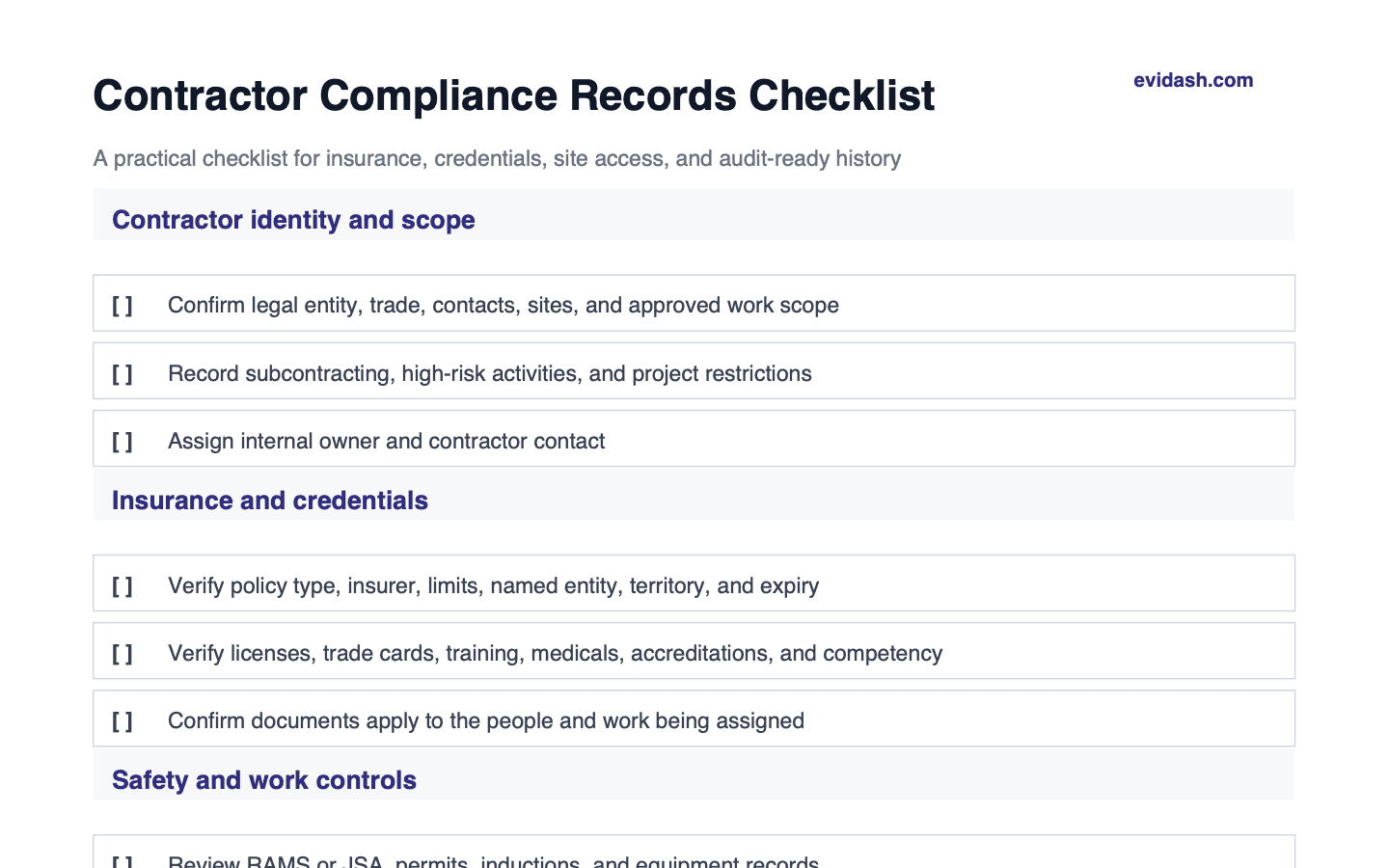 More checks in the full PDF
 What makes contractor records audit ready?
An audit-ready record connects five things:
- Identity: the correct legal entity, people, trade, and contact details.
- Scope: the approved work, sites, restrictions, and high-risk activities.
- Evidence: insurance, licenses, credentials, training, safety records, and required documents.
- Decision: who reviewed and approved the contractor, on what basis, and with which conditions.
- History: renewals, changes, incidents, suspensions, corrective actions, and previous versions.
A folder of current-looking PDFs does not reliably answer those questions.
1. Define contractor identity and scope
Record:
- legal and trading name,
- company or registration number,
- address and key contacts,
- trade and services,
- approved projects, sites, regions, and activities,
- subcontracting arrangements,
- high-risk work and restrictions,
- internal owner and approver.
Approval should be specific. “Approved contractor” is too broad if the review covered routine maintenance but the contractor is later assigned hot work, lifting, confined-space entry, or another materially different scope.
2. Verify insurance evidence
For each required policy, check:
- correct insured legal entity,
- policy type,
- insurer and policy number,
- coverage limits,
- territory and activities,
- exclusions and endorsements relevant to the work,
- effective and expiry dates,
- contract- or client-specific requirements.
Do not review only the expiry date. A current policy can still cover the wrong entity, territory, activity, or limit.
3. Track licenses, credentials, and competency
Evidence varies by trade and jurisdiction, but may include:
- business and trade licenses,
- individual cards or certifications,
- equipment or plant competencies,
- training and refresher records,
- medical or fitness evidence where legitimately required,
- professional or scheme accreditations,
- background or access checks where lawful and necessary.
Connect person-level credentials to the correct contractor and project. A company record should not imply that every worker holds every required competency.
4. Review safety and work-control records
Depending on scope and risk, review:
- risk assessments and method statements,
- job safety analyses or safe work plans,
- permits and site-specific controls,
- induction and toolbox-talk records,
- equipment inspection and maintenance records,
- incident and enforcement history,
- corrective actions and lessons learned,
- emergency arrangements.
Record the version and approval status of work-control documents. Site teams need to know which method is authorized now, not which version happens to be easiest to find.
5. Make expiry and missing evidence operational
Use statuses that distinguish current, approaching expiry, renewal requested, expired, missing, rejected, superseded, and awaiting review.
For each time-sensitive record, define:
- renewal lead time,
- contractor reminder cadence,
- internal escalation,
- site-access or approval impact,
- exception authority,
- evidence required to restore approval.
Evidash expiry tracking software helps teams turn those dates into visible follow-up rather than relying on calendar reminders and spreadsheet colors.
6. Preserve the approval and review trail
For each review, keep:
- submitted file,
- requirement applied,
- reviewer and timestamp,
- accepted, conditional, rejected, or needs-review decision,
- reason and supporting evidence,
- follow-up and replacement history,
- effect on contractor approval or site access.
The supplier document review checklist provides a reusable identity, scope, validity, and decision framework for this work.
7. Prepare reusable evidence packs
Tender, client, audit, and project requests often ask for overlapping evidence. A controlled contractor record should make it possible to export a current pack without copying files into another unmanaged folder.
The pack should state:
- contractor and approved scope,
- evidence included and review status,
- effective and expiry dates,
- open exceptions and conditions,
- pack date and responsible owner.
Reusable packs save time only when the source records remain current and traceable.
Common contractor-compliance failures
- Insurance belongs to a related but different legal entity
- A credential is current but does not cover the assigned work
- Company approval is assumed to approve every worker
- Renewals are collected but never reviewed
- Expired files are replaced without preserving history
- Site access continues after a critical requirement expires
- Tender packs become disconnected copies that drift from source records
- Incident and corrective-action history does not affect reapproval
From contractor folder to compliance system
Evidash keeps contractor and supplier evidence connected to one record, with review decisions, expiry visibility, follow-up, and history. See the construction compliance solution for the wider workflow or use the downloadable checklist above to assess your current records.
Frequently asked questions
Which contractor compliance documents should be tracked?
Track only the evidence required by the work, risk, contract, site, and applicable law. Common categories include insurance, licenses, competency, training, safety plans, equipment records, inductions, and incident or corrective-action evidence.
How do you keep contractor records audit ready?
Define requirements by scope, review each record for identity and applicability, track validity, record accountable decisions, preserve history, and connect missing or expired evidence to approval and site-access actions.
Can contractor compliance be managed in a spreadsheet?
A spreadsheet can list requirements and dates, but teams often outgrow it when they need document linkage, version history, review evidence, automated follow-up, multiple sites, and reliable audit packs.
See Evidash on your own documents
Put supplier certificates, specs, and COAs through the same audit-ready workflow you just read about.